

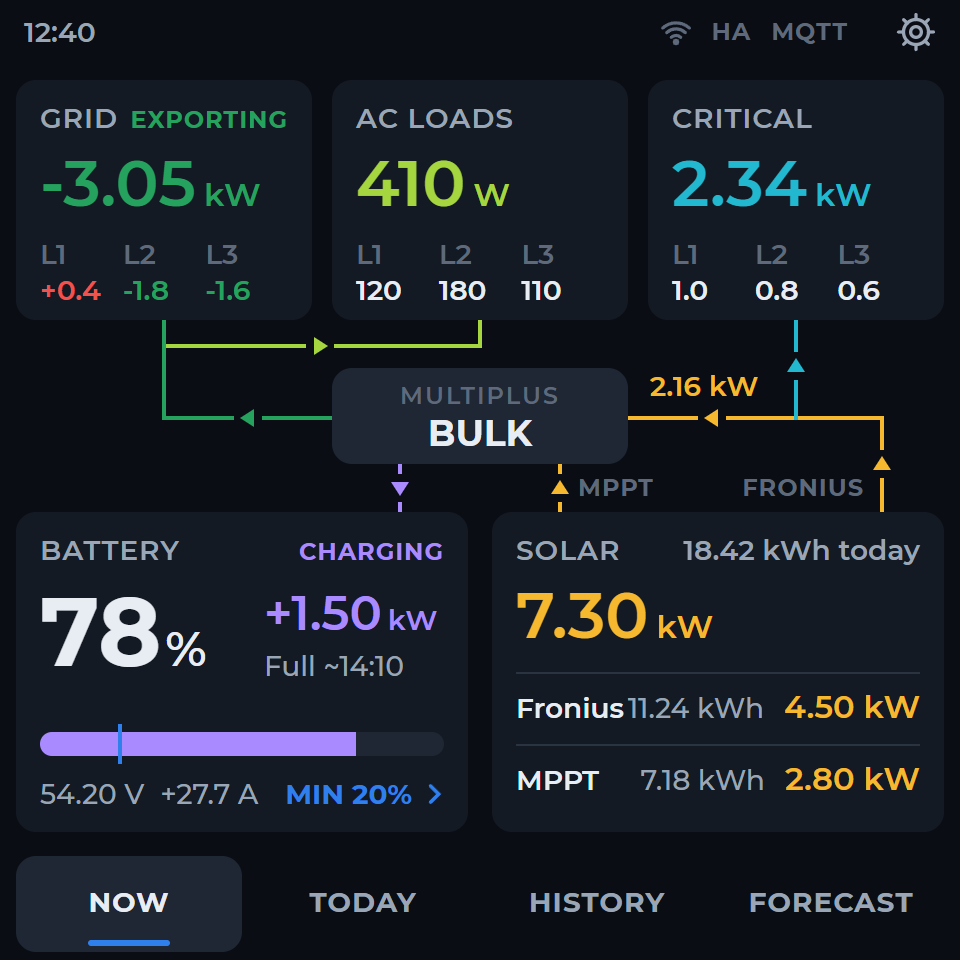
Compact and easy to place.
A square 480×480 layout for live readings and touch navigation. Choose the firmware that matches the Guition 4-inch board.
Check your panel model →Clevr Energy Display · Victron edition
Screen size and connection mode are separate choices. Confirm the exact board marking before selecting or flashing firmware.
A square 480×480 layout for live readings and touch navigation. Choose the firmware that matches the Guition 4-inch board.
Check your panel model →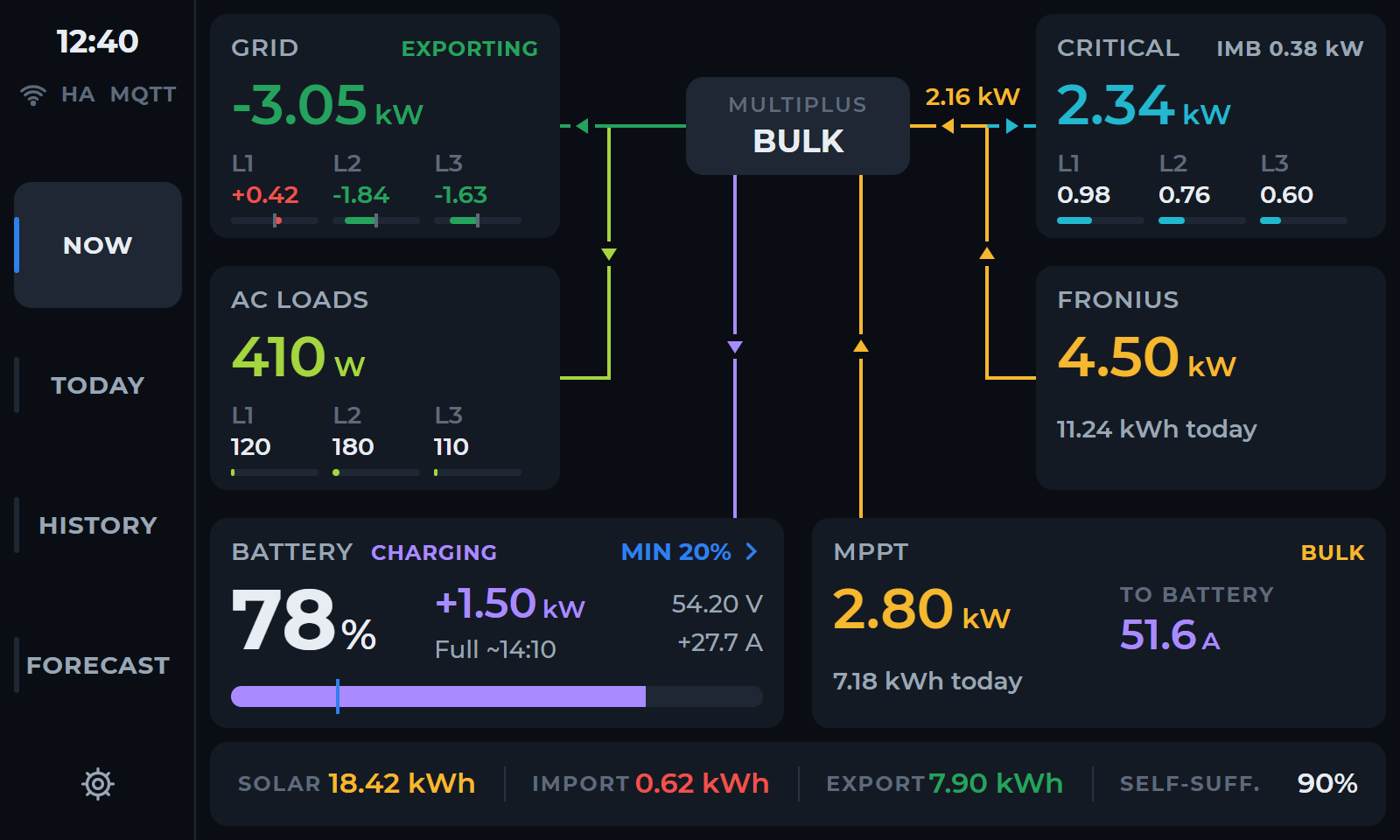
An 800×480 landscape layout with more space for readings and, in the Home Assistant edition, energy charts. It uses its own Guition JC8048W550 firmware.
Check your panel model →A 5-inch panel needs 5-inch firmware. The two sizes need different firmware binaries. Availability also depends on the selected connection mode.
Guition 4848S040 family · 480 × 480 · ESP32-S3. Confirm the precise board marking before flashing.
Guition JC8048W550 · 800 × 480 · ESP32-S3 · 8 MB PSRAM · 16 MB flash · capacitive touch.